

Towns in Roman Britain
Objective To describe how Roman towns in Britain were designed.
Pick a part of the lesson to jump to its slide.
Pictl for education
You plan the lesson. Pictl draws the pictures for every part of it.
Finding a picture that fits your lesson and your class means trawling image searches, or drawing it yourself in slides.
 A picture they can read
Drag to compare.
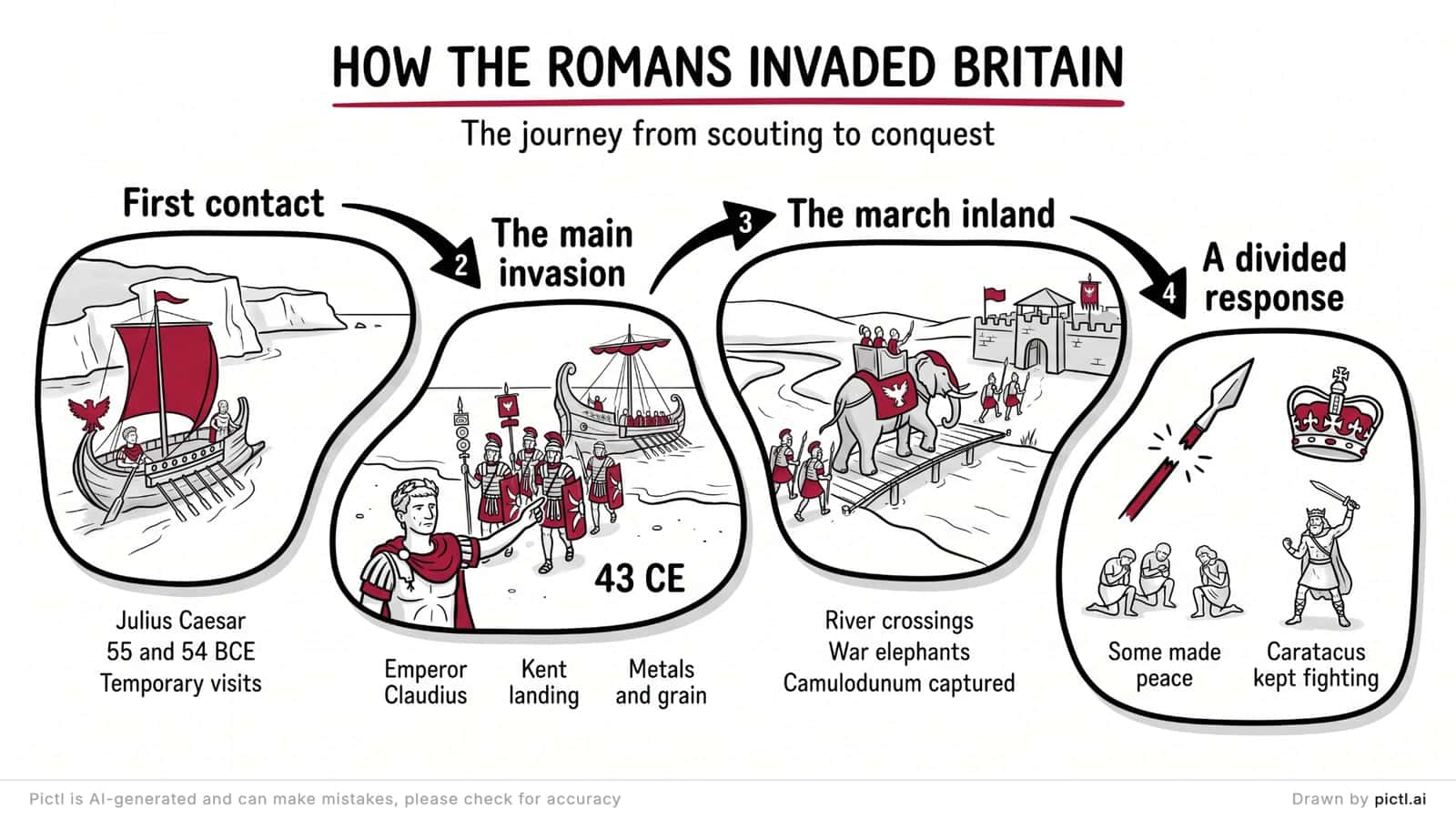
A Year 4 history lesson on Roman towns, with a picture for every part.
Objective To describe how Roman towns in Britain were designed.
Pick a part of the lesson to jump to its slide.
The whole unit
A Year 4 unit on Roman Britain, six lessons in order, presented full screen with nothing to paste into slides. Presentations are included in Pro.
Edit · Plus and Pro
Want different wording, or spotted a mistake? Draw a box round that part and type what it should say. Pictl redraws just that part and leaves the rest alone.
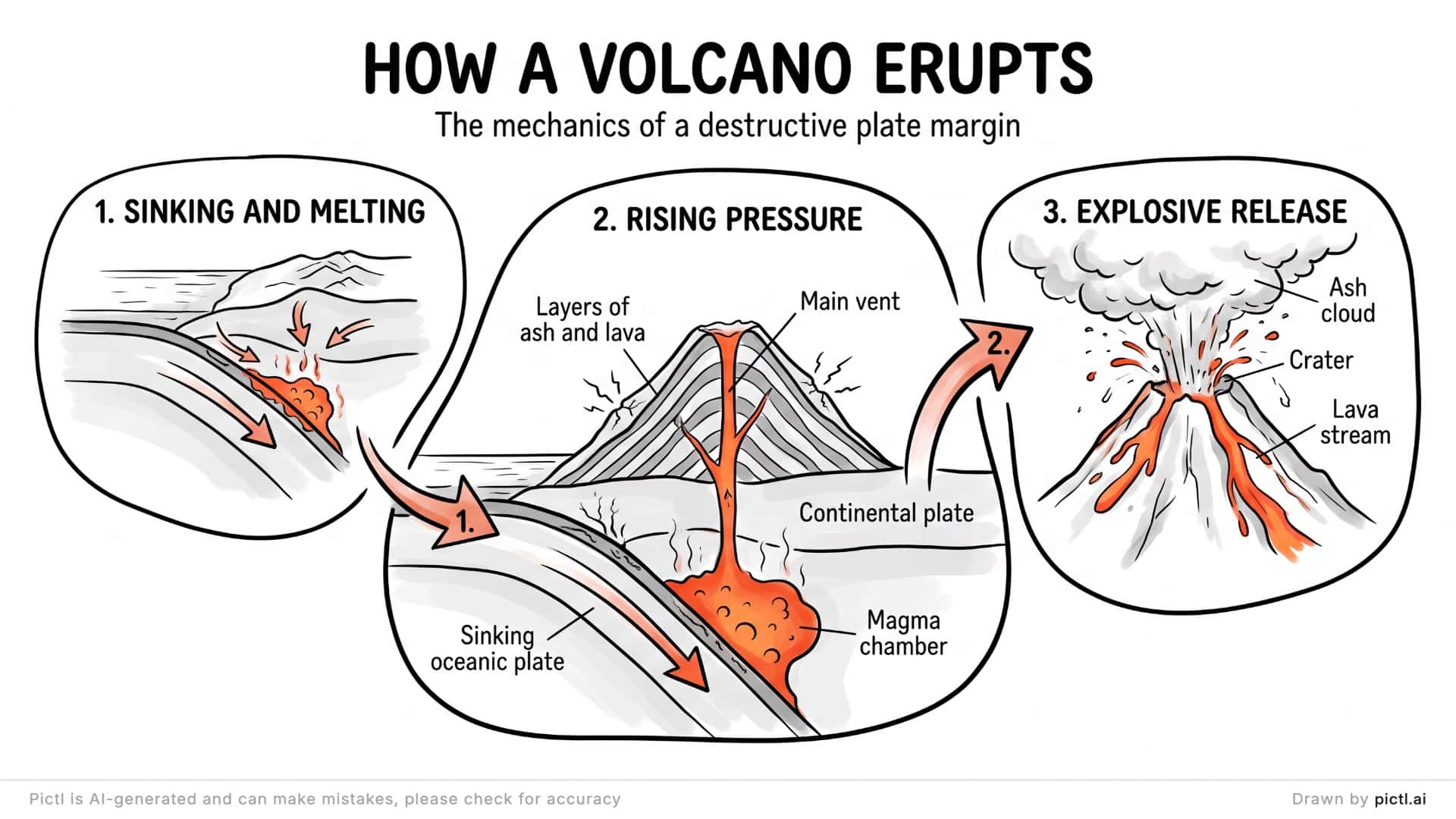 Before
 After
AfterA real edit. A box round the subtitle and one sentence put it in Key Stage 3 words; nothing else changed.
Pictls for Key Stage 2, Key Stage 3, GCSE and A level. Below are a few ideas to start from: your topic can be anything you teach.
Example topics
Hover over a topic to see a prompt for it.Tap a topic to see a prompt for it.
Type any topic, with the year group or exam board, and Pictl pitches the detail and vocabulary to suit.
Enterprise · For schools and trusts
On an Enterprise plan, every teacher gets their own account, with shared spaces for each year team or department.
Enterprise is set up for each school or trust. Tell us about yours and we’ll put a plan together.
Straight answers, each taken from our privacy policy and terms.
Accounts are for ages 13 and over. You make the Pictls and show them to the class.
Terms, section 2.2We don’t use your prompts or Pictls to train AI models. If that ever changes, we’ll ask you first.
Privacy policy, section 7On Free, your Pictls appear in Explore and in search results, so keep pupils’ names out of your prompts. On Plus and Pro they’re private unless you choose otherwise.
Privacy policy, section 4Every Pictl is labelled as made by AI.
Terms, section 4.4Not to advertisers, not to anyone.
Privacy policy, section 10.3AI can get dates, numbers and spelling wrong. Read each Pictl before you teach it. On Plus and Pro, select any part and redraw it.
Terms, section 4.4Treat a Pictl like any resource you didn’t make yourself: read it before you use it. Pictl is AI-generated and can make mistakes, especially with dates, numbers and spelling. On Plus and Pro you can select any area and redraw it.
Start on Free to try it, with Explainer and Mind map styles. Plus adds every style and keeps your Pictls private. Pro adds presentations, like the unit above. See plans and pricing.
Pupils don’t need an account to see a Pictl: you show it in class or share its link. Accounts are for ages 13 and over, and 13 to 17-year-olds need a parent’s consent. See section 2.2 of our terms.
Yes. Our terms let you use, share and sell the Pictls you make. Check each one first, as you would any resource. Downloads on the Free plan carry a watermark.
Every Pictl comes with alt text and the prompt that made it. If that isn’t enough for a pupil, ask us for a written description of any Pictl. See our accessibility statement.


